
Pricing & License
Mercy SF has a free tier and two paid tiers. All tiers run on Windows, macOS, and Linux, and subscriptions are handled securely via Stripe.
| Free | Premium | Supporter | |
|---|---|---|---|
| Quest, arena, dungeon, pet automation | ✅ | ✅ | ✅ |
| Community Discord support | ✅ | ✅ | ✅ |
| Fortress, Underworld, Guild automation | ✅ | ✅ | |
| Desktop notifications | ✅ | ✅ | |
| Configurable module priorities | ✅ | ✅ | |
| Event scheduling with auto-beer | ✅ | ✅ | |
| Early access to beta features | ✅ | ✅ | |
| Smart, class-aware item upgrades | ✅ | ||
| Arena opponent pre-scan | ✅ | ||
| Expedition encounter optimizer | ✅ | ||
| Dungeon companion auto-equip | ✅ | ||
| Battle simulation viewer | ✅ | ||
| Web dashboard (experimental) | ✅ |
Current pricing is listed on the pricing page and can change — that page is always the source of truth.
Activating a license
- Subscribe from your profile page on mercysf.app.
- Copy the license key shown under Subscription.
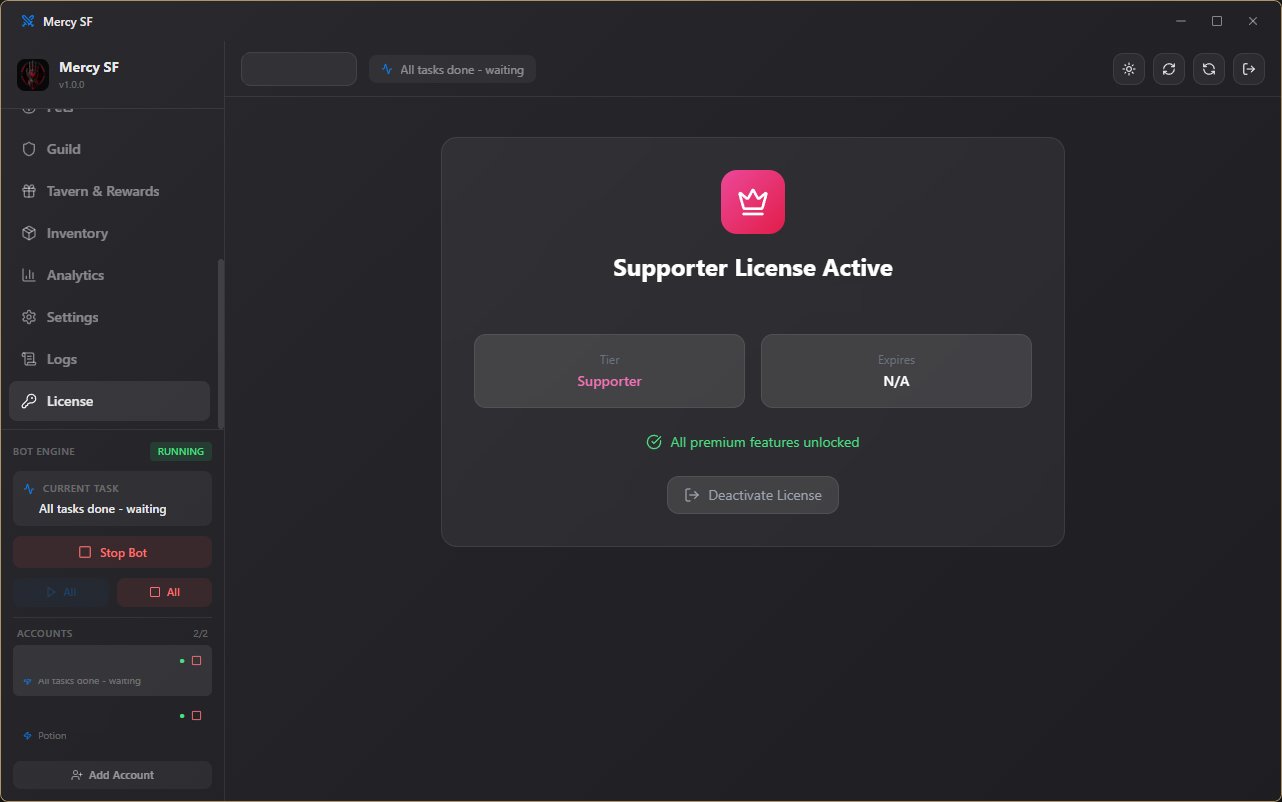
- In the desktop app, open the License tab and paste the key in.
Managing your subscription
You can cancel or reactivate anytime from your profile page. Cancelling keeps your plan active until the end of the current billing period — no partial refunds, no immediate lockout.
Web dashboard
Supporter subscribers get access to an experimental web dashboard at mercysf.app, so you can check on your bots from a browser without the desktop app open. It's still evolving — expect rough edges.