Dungeons & Fortress
Dungeons
Mercy SF clears light dungeons, shadow dungeons, the Twister, and the Tower automatically, using whichever companions you've assigned.
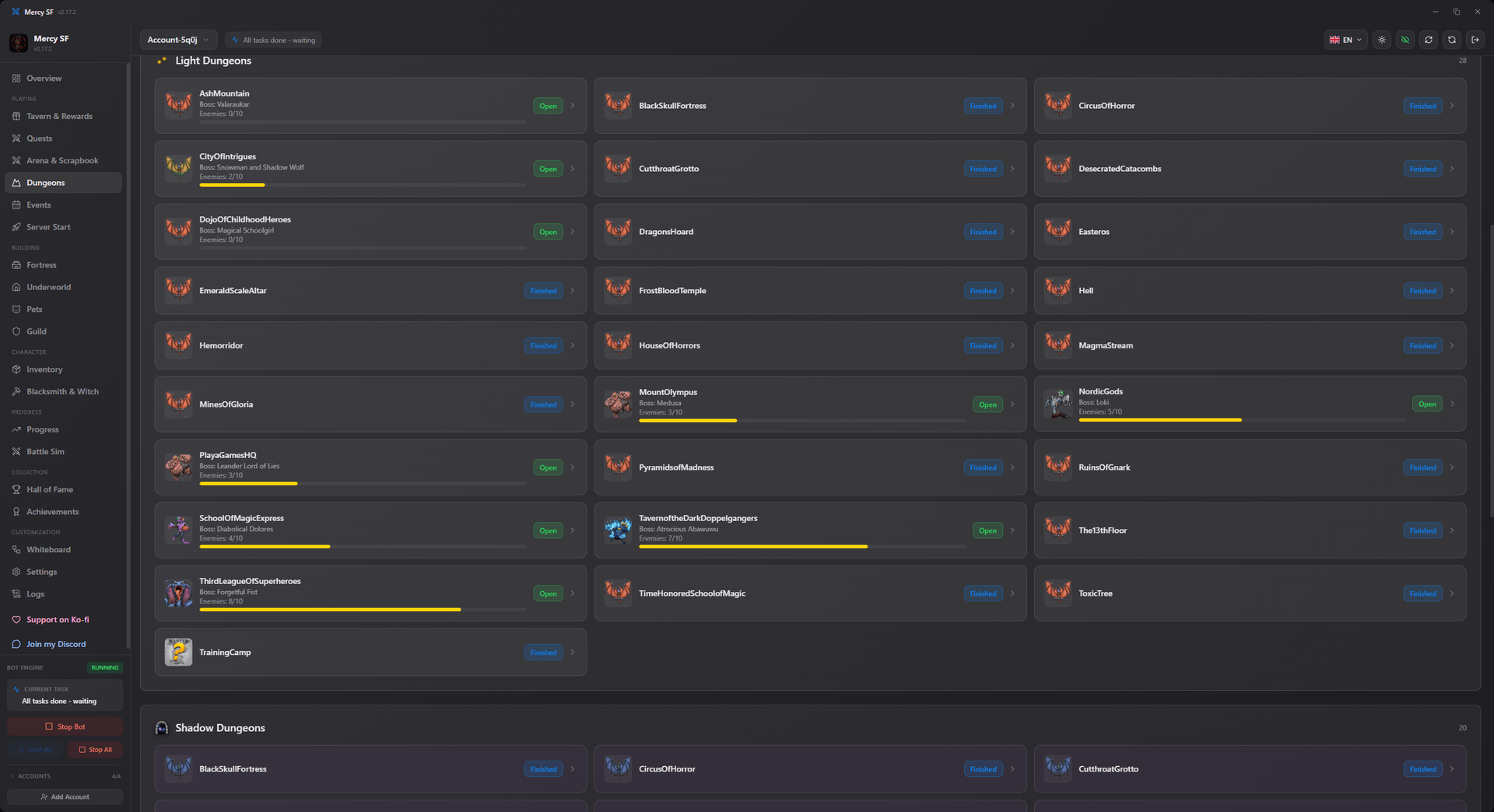
Smart target selection. Rather than blindly attacking the next dungeon, Mercy SF simulates the current enemy of every open dungeon against your character (and, for the Tower, your companions) and fights the one you're most likely to win, so your free hourly fight is never wasted on a loss. If nothing is winnable yet, it waits for better gear instead of throwing the fight away.
- Runs your daily Free Fight the moment its hourly cooldown is up
- Evaluates normal dungeons, shadow dungeons, the Twister, and the Tower, and picks the best winnable target
- Tracks companion levels and stats (Mage, Scout, Warrior)
- Shows progress across every dungeon: finished, open, or with enemies remaining
- Your personal Portal is fought once per day; dungeon companions are auto-equipped with the best available gear for their role
Fortress
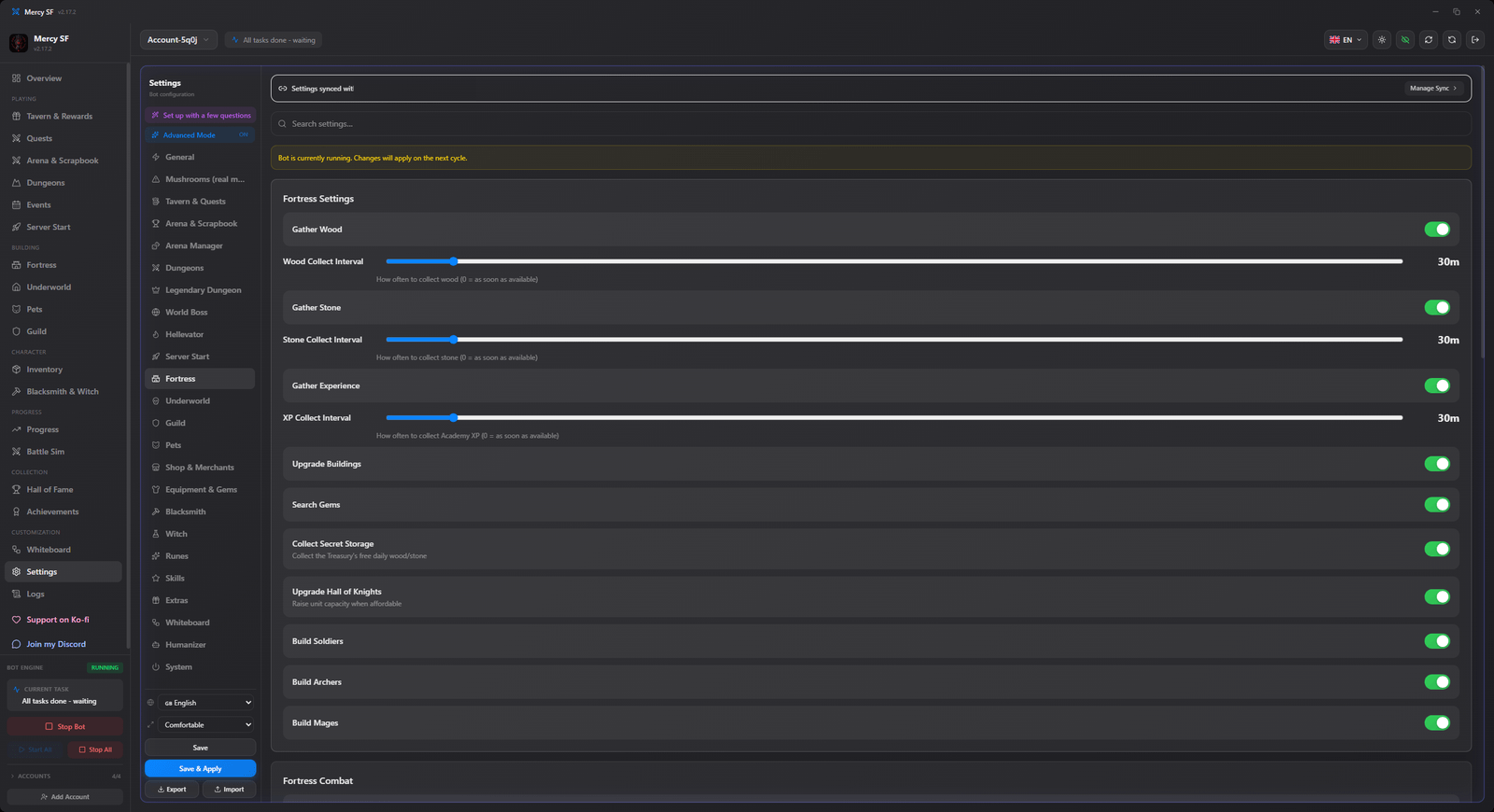
The Fortress tab manages resource gathering and building upgrades.
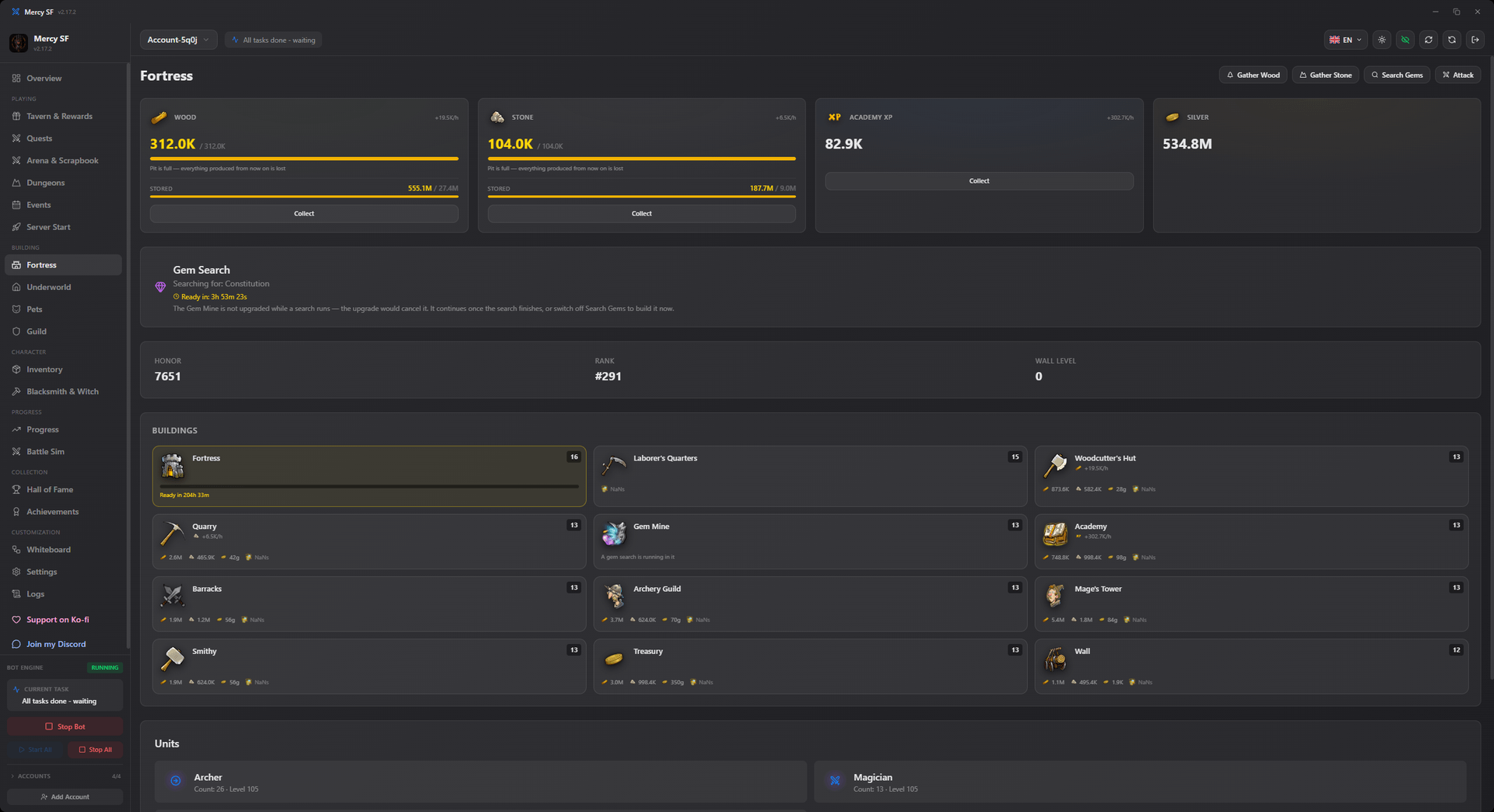
- Auto-gathers wood, stone, and silver, and searches for gems
- Queues building upgrades based on your configured priorities
- Displays honor, fortress rank, and wall level
- Handles fortress Attack actions against other players' fortresses when enabled
Both modules respect the fight-limit and mushroom-usage settings configured under Settings.
One fight, shared
The Tower and the dungeons draw on the same daily fight, so they are weighed against each other rather than run independently. The Tower usually wins that comparison, because it is fought with three companions.
That made one bug expensive. Before 2.11 the Tower told the server the floor it had already beaten rather than the one it was entering, so every attack was refused, and the fight was spent on nothing instead of going to a dungeon. A Tower the server refuses now steps aside for an hour so the dungeons get the attempt.
If the Tower and your dungeons both look idle on an older version, that is why.
Choosing the order yourself
By default the bot fights whichever open dungeon it is most likely to win, which is the right answer for almost everybody.
If you would rather work through them in your own order, turn on Dungeon Priority under Settings → Dungeons and drag the ones you care about into place. The list is walked from the top and the first one that can actually be fought is taken.
"Cannot actually be fought" covers all of it the same way: closed, not yet unlocked, outside the level-difference band you set, or no enemy data. Any of those and the next one down is taken instead. If none of them qualify the list has no opinion and the best-odds choice stands, so a half-filled list never means "fight nothing".
TIP
The win-chance minimum still applies to fights that cost a mushroom. Putting the Tower first is not a reason to buy a fight it loses; a free attempt at the same odds is fine, because the attempt expires either way.
There is no list of unlock levels behind this. The game already reports whether a dungeon is open, so that answer is used rather than a table that could drift out of date.
The Legendary Dungeon is somewhere else
Despite the name, the Legendary Dungeon is not one of the dungeons on this page. It is a timed event with its own rooms, doors and currency, and it is documented at Legendary Dungeon.
See also
- Battle simulator, which is what "most likely to win" is measured with
- Underworld
- Legendary Dungeon
- Settings