
Logs & bug reports
Every action the bot takes is written to the log, with the character it belongs to and the reason it was taken. This is the screen that answers "why did it not attack" and "what did it do at three in the morning".
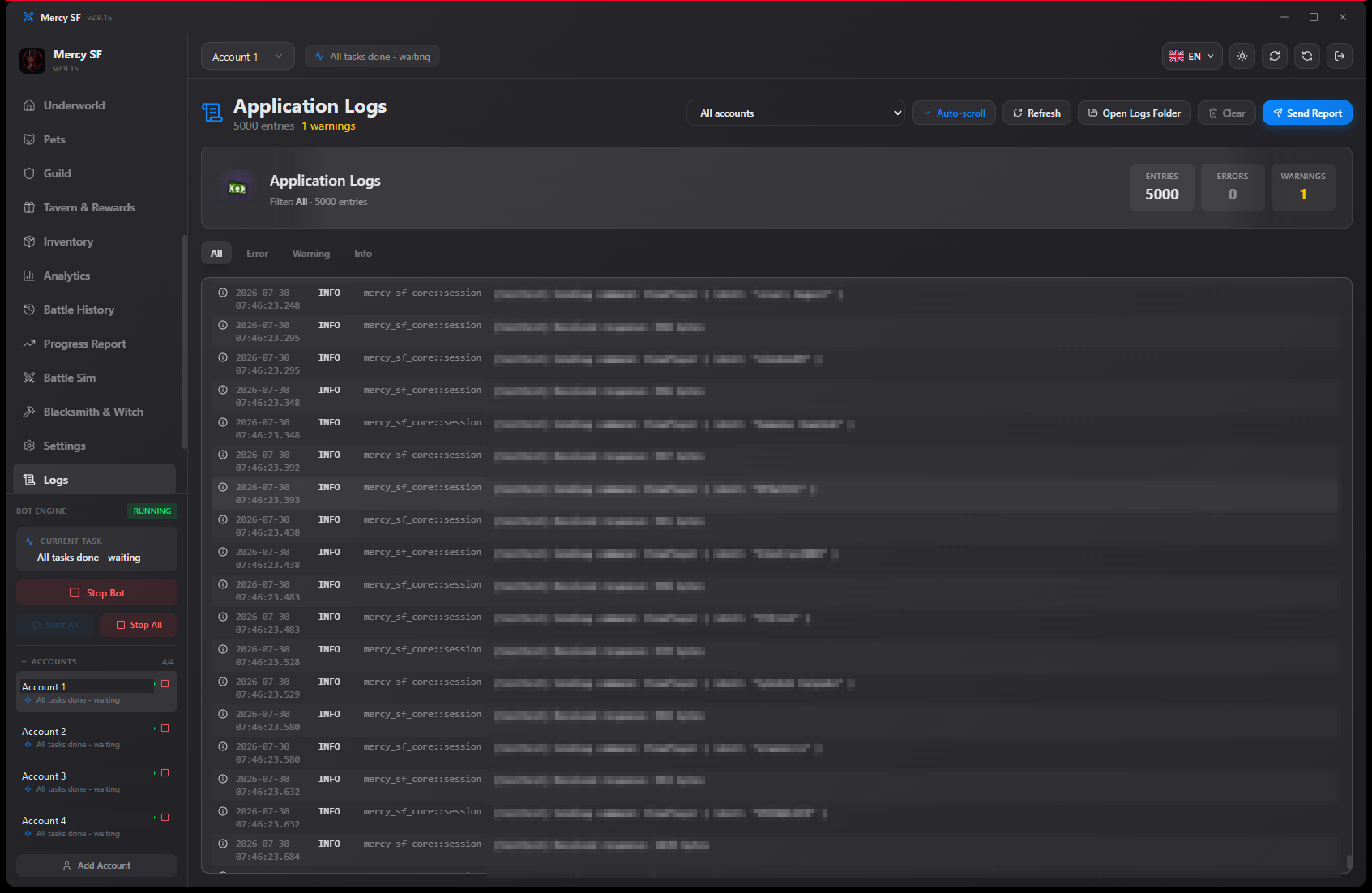
Reading it
- Filter to a single character, which is what you want the moment you run more than one.
- Filter by level to separate the ordinary run of actions from warnings and errors.
- The entries say why, not only what. A skipped arena fight names the reason it was skipped.
If a module appears to be doing nothing, the log is where it says why it is doing nothing. That is usually a cooldown, a gate that has not opened, or an event that is not running.
Sending a report
The Send report button in the log tab is the fastest useful thing you can do about a bug. It attaches the log around the moment of the failure, and that is almost always what identifies the cause.
A report without a log is a description of a symptom. A report with one is usually a fix.
What a good report contains
- The version. From the app's title bar, or the footer of mercysf.app.
- Your platform. Windows, macOS or Linux, and which version.
- What you expected and what happened instead.
- The log, which the report button attaches for you.
Never include account credentials
Not yours, not anyone else's, and not in a screenshot either. No part of diagnosing a bug needs them.
Where else to report
- Discord for anything other people might recognise, and for the fast back and forth. The invite is on mercysf.app.
- E-mail for anything private: account trouble, a payment question, a security report. The address is in the imprint.
A security issue that affects other users should go to e-mail rather than a public channel. It gets looked at the same day.
Log files on disk
The log is also written to disk, so a crash does not take the evidence with it. The report button picks it up from there, which is why a report sent after a restart still contains the run that failed.