Overview Dashboard
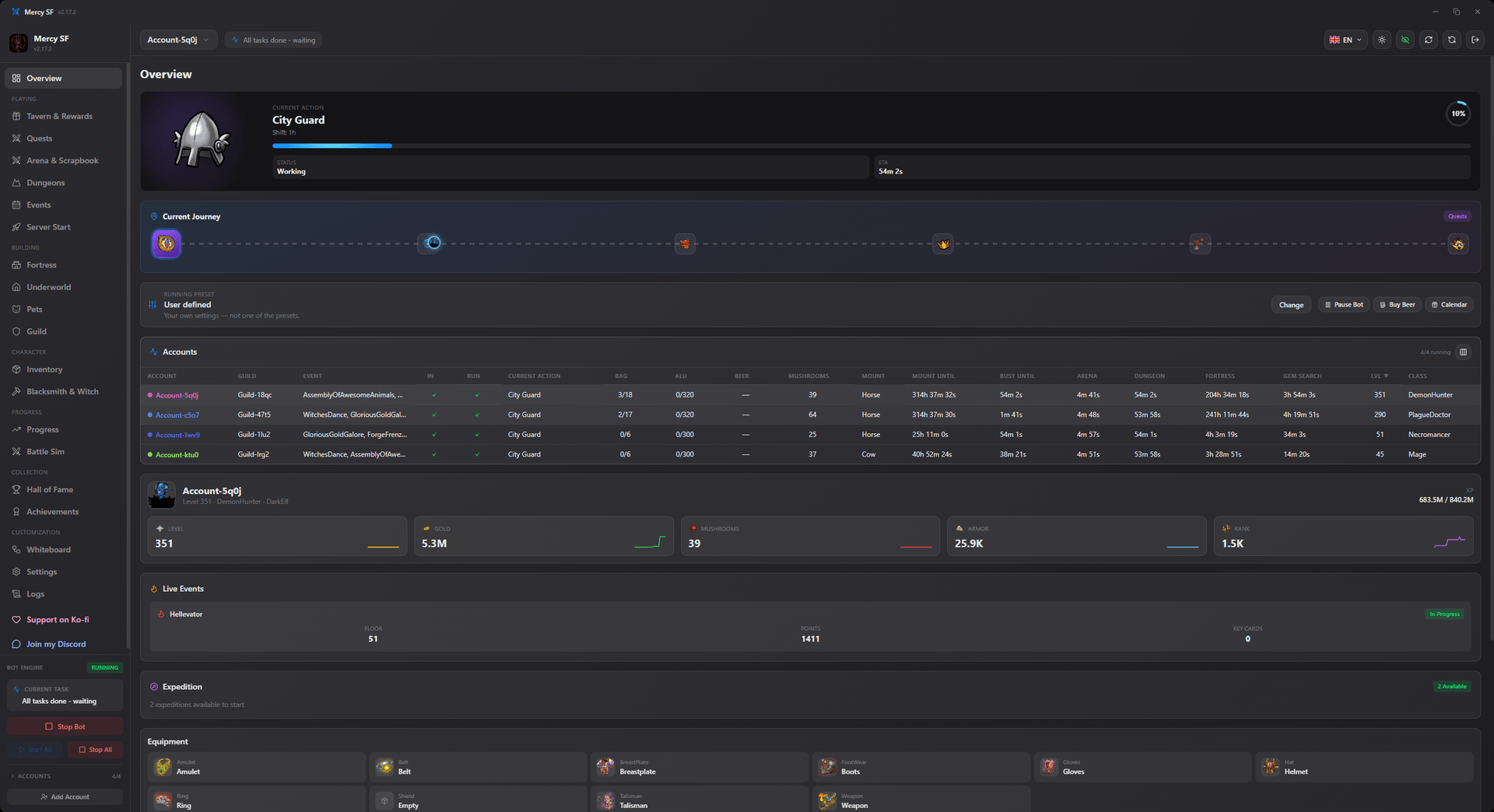
The Overview tab is the home screen for each character, a snapshot of everything the bot is currently doing.
What you'll see:
- Character summary: level, class, race, and XP progress
- Core stats: silver, mushrooms, armor, strength, constitution, luck, and rank
- Activity Status: what's running right now (quests, arena, dungeon, expedition) and cooldowns for each
- Expedition tracker: floor progress, heroism earned, and items found on the current expedition
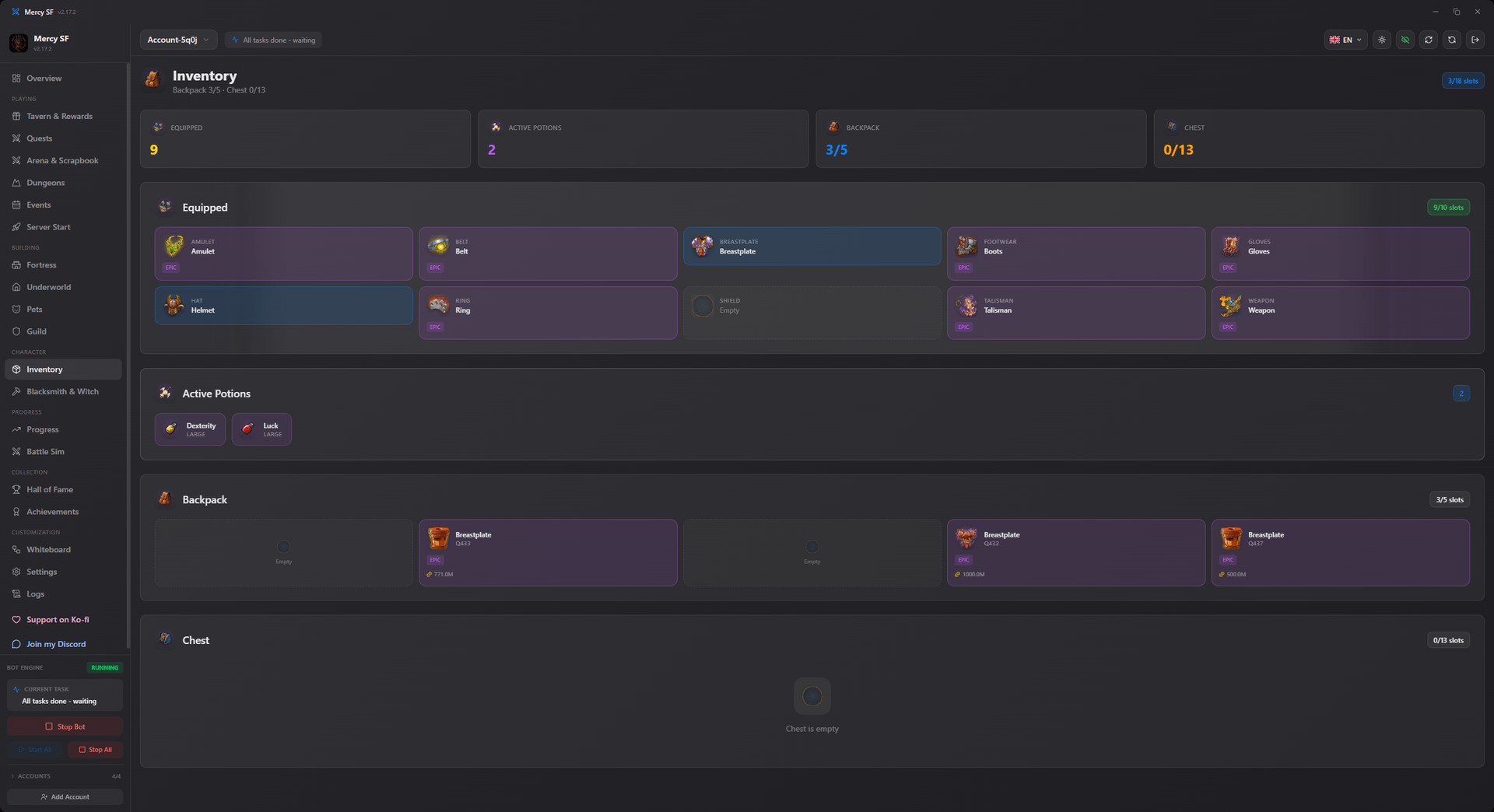
Scroll down and you'll also find your currently equipped items at a glance:
The accounts table
With several characters running, the table below the summary is the fastest way to see the whole fleet. Every column sorts. Click a header to order by it, click again to reverse. It opens sorted by level, descending, because "who is furthest along" is the question it usually gets asked.
Countdown columns sort by the underlying time, not the text. Sorting "5m 30s" as a word would put "Ready" between "4m" and "51m" and read as random; sorting by the real deadline floats everything that is ready to the top, which is the order you want when you are looking for what needs attention.
Hiding names for a screenshot
The eye button in the header turns on anonymous mode. Every name in the app is replaced, from your characters, your accounts, opponents, guilds and their members, the battle history, the activity feed and the log, so a screenshot can be shared exactly as it is, with no editing and no blurring.
Names are replaced by a stable stand-in rather than blanked out, so you can still tell whether the player who beat you twice was the same player. The stand-in is salted with a random value generated on your own machine that never leaves it. Without that, anyone could work through a server's Hall of Fame and match the names straight back, and the screenshot would have hidden them from a casual reader and from nobody who actually cared.
Reading a player
The eye button next to a Hall of Fame player opens their profile: attributes split into base and gear, armour, weapon damage, guild, and their equipment. Useful for judging a target yourself before spending a mushroom on it.
This tab is read-only. It reflects what the automation modules are doing based on your Settings. To change behavior, use the Settings tab.