Many characters at once
There is no per-character licence and no limit built into the app. Add as many accounts as you have, on as many servers as you play.
What is per character
Each character keeps its own:
- settings, every one of them, so a level 40 alt does not have to play by the main's rules;
- schedule, if you use one;
- log, filterable on its own;
- statistics in Analytics.
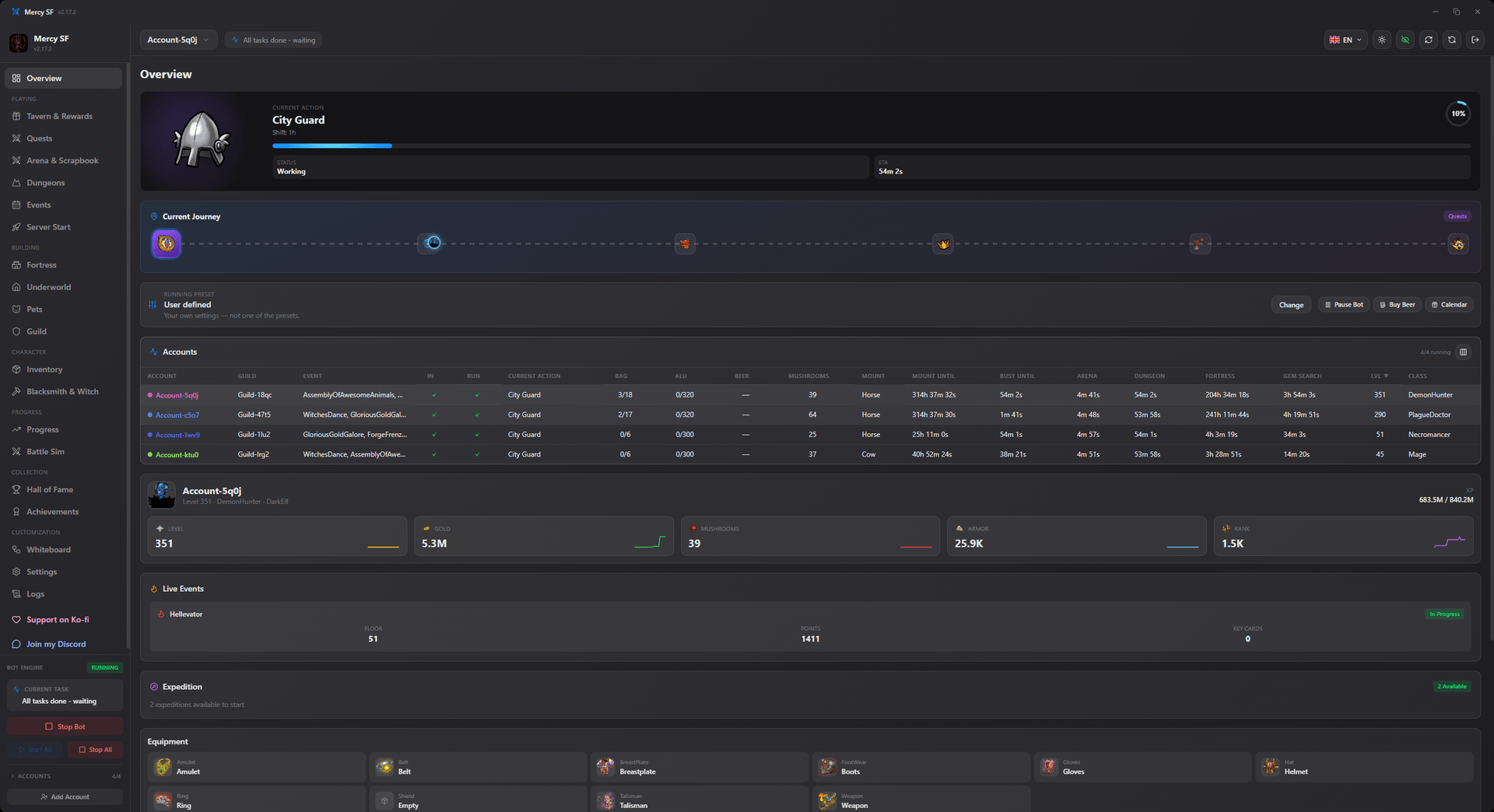
The overview screen is the one place that shows all of them at once: what each character is doing right now, its live values, and expedition progress.
Presets
Settings can be copied between characters rather than re-entered. This is the fastest way to bring a new alt up to the configuration you have already tuned, and then change only the handful of things that differ.
What it costs to run
About 200 MB of memory per running character, and close to no CPU between actions. The app is Rust and Tauri 2 using the operating system's own WebView, so there is no bundled Chromium and no Node runtime in the background.
Ten characters is therefore a memory question rather than a CPU one.
Scheduling
schedule_enabled restricts a character to specific windows of the day, and schedule_windows holds them.
An empty window list means never
With schedule_enabled on and no windows defined, the character never runs. The interface says so rather than leaving it to be discovered.
Running without a desktop
If you want characters running on a server rather than on your machine, use the headless build. Same engine, no window, a documented JSON interface on stdin and stdout.
See the CLI reference, or the German version.